Get the link that opens the form
Use the booking link for your organization provided by OiAir. Test it before adding it to Google: it should open the form for your location and published classes. Your public profile URL does not open the form.
No published classes yet? Give OiAir your activities, ages, days, times, and prices. Then test the link again.
Where to add the link in Google Maps
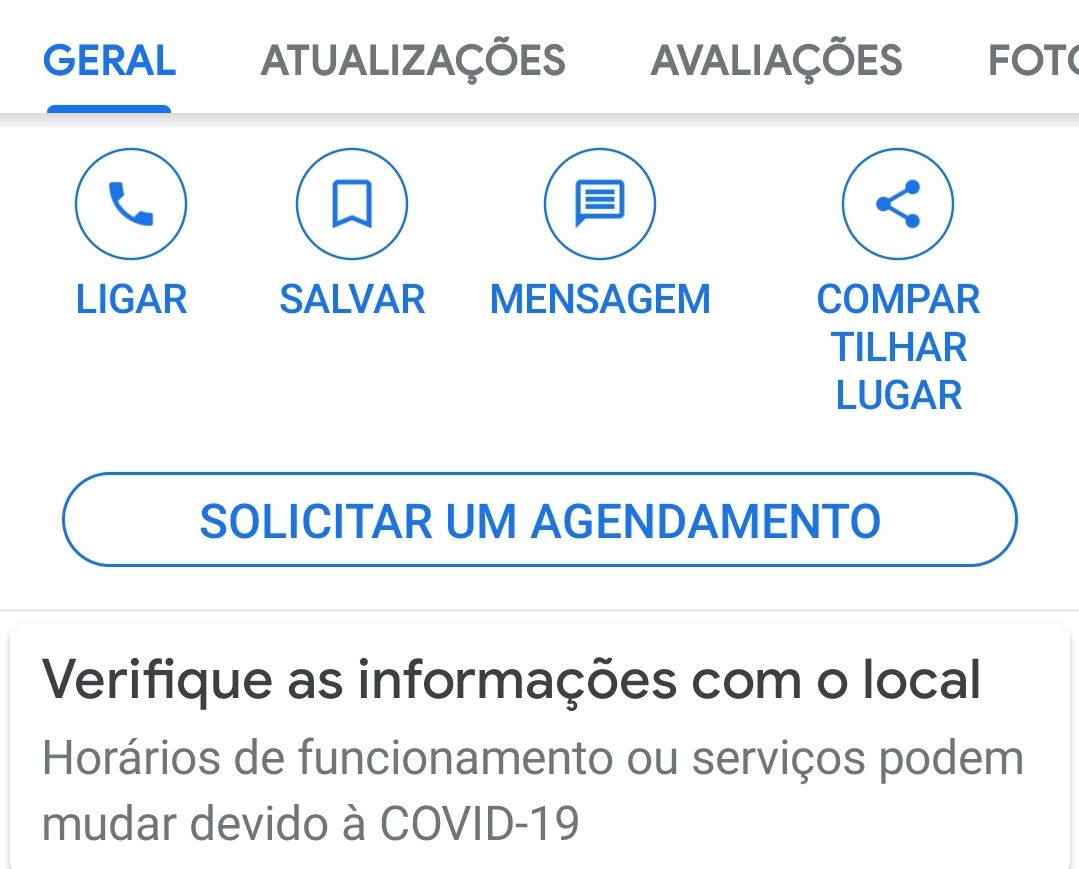
The screens below are illustrative diagrams in Portuguese. Google’s interface may change.
Open the profile you manage
Sign in to Google Maps with the account that manages your Business Profile. Find your organization and select Editar perfil.
Find “Agendamento”
In the editing options, open Agendamento. If you use Google Search instead of Maps, the Agendamento option may appear directly in the management panel.
Informações da empresa
Add the form link
Under custom booking links, tap Adicionar link (or Adicionar outro link, if one already exists). Paste the OiAir booking link you tested and select Salvar.
Test it as a family would
After Google reviews the link, open your public listing on Maps. Tap booking and check that the form opens directly with your location, classes, listed prices, and available days and times. If you have several links, you can mark one as Preferido pela empresa.
Your team receives a complete inquiry
The chosen class, preferred day and time, and contact details reach your organization on WhatsApp. Your team confirms availability or offers another option. Receiving these inquiries through OiAir is free. Sending an inquiry does not reserve a place.
Want to identify visits from Maps?
If the link leads to booking on your own website and you track visits, add UTM parameters:
https://seusite.com.br/agendar?utm_source=google&utm_medium=organic&utm_campaign=google_mapsutm_source=googleWhere the visit came fromutm_medium=organicTraffic typeutm_campaign=google_mapsA name you choose to identify this linkUse consistent names to compare visits. UTM identifies the source on the destination website; it does not measure confirmed places. Visits to OiAir do not appear in your website’s Google Analytics.
The first metrics are already available
OiAir already records metrics such as profile views, form steps, and inquiries. Want to track these numbers or measure something specific? Tell us what would help your organization.
For capacity management, enrollment tracking, more detailed analytics, or AI agents that help families on WhatsApp, visit airhop.com.br. Tell us what you need, and we can explain the options.
If the field does not appear
Check your profile and the account that manages it. Google shows this field according to category, region, and platform. If Google rejects the link, check that it opens the correct location and allows booking. Direct links to WhatsApp, social media, or URL shorteners are not accepted in this field.
For more details, see the official instructions.